
What is 3D Building Information Modeling (3D BIM)?

When people hear “3D,” they often think it’s only about good-looking visuals. But 3D Building Information Modeling(3D BIM) is not just a pretty model. It’s a data-rich digital model of a building, where every wall, slab, door, window, duct, pipe, and piece of equipment is created as an intelligent object with real information attached like […]
6D Sustainability in BIM: Model Energy, Carbon, and LEED Readiness (2026 Guide)

If you’ve ever sat in a design review where someone says, “We’ll optimise energy later,” you already know how projects go off-track. Sustainability can’t be a last-minute add-on because once your massing, façade logic, glazing ratio, HVAC concept, and material palette are “locked,” most of your building’s energy and carbon story is locked too. That’s […]
Model QA/QC: Clash Rulesets, Tolerances, and Sign-off Gates (Built for Real Projects)

If your coordination meetings feel productive but the site still raises RFIs, rework, and “this wasn’t in the model” complaints, your BIM isn’t failing. Your Model QA/QC is. Whether you’re delivering a BIM modeling service, pushing shop drawing packages, or closing out as built drawings, the same truth applies: models don’t become reliable by effort; […]
BIM Outsourcing Services: When to Build In-House vs Partner (A Practical AEC Playbook)
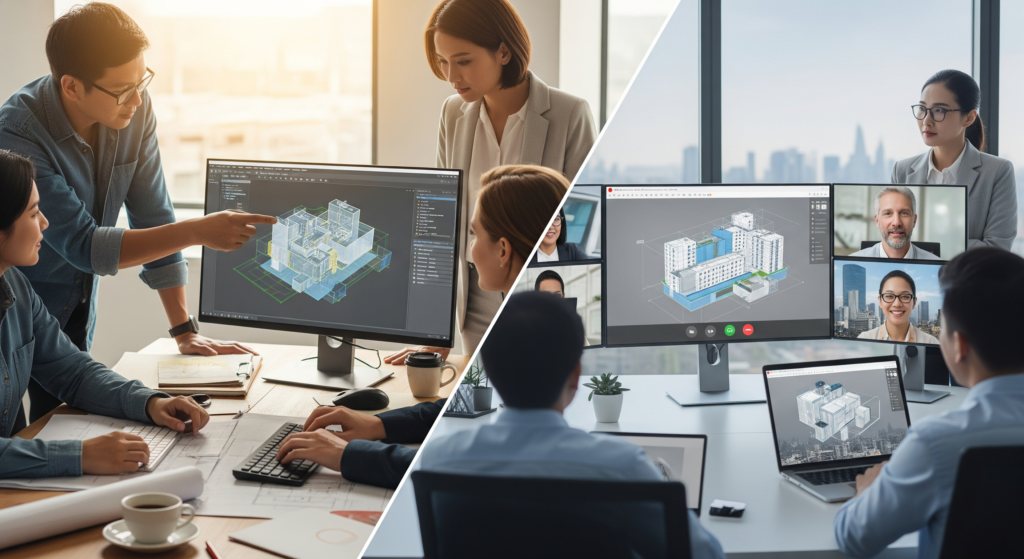
If you’re leading BIM on real projects, you already know the truth: BIM is not “just modeling.” It’s production pressure, coordination pressure, and decision pressure, often all at the same time. One week, you need Drafting Services to convert markups into clean sheets. Next week, the GC wants 3d clash coordination wrapped up before the […]
OpenBIM & Interop Made Practical: IFC, BCF, and Vendor-Neutral Workflows That Actually Work
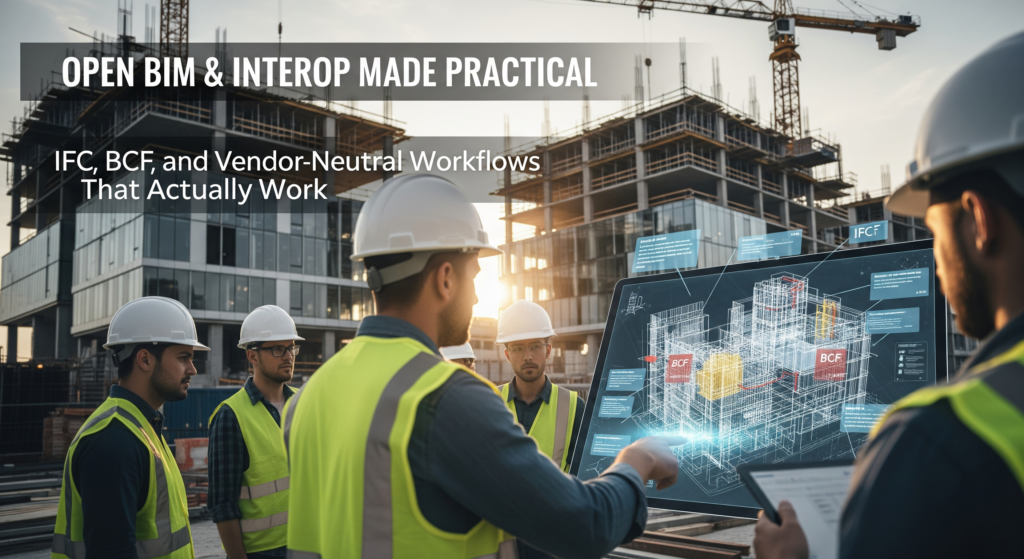
On most projects, the “model” is not the problem. The handoffs are. One consultant models in Revit, another in Archicad, a steel team works in Tekla, the coordinator lives in Navisworks or Revizto, and the client wants something they can still open five years from now. If you don’t plan interoperability early, you end up […]
AI in BIM: Auto-Clash, Auto-Routing, and Generative Space Planning
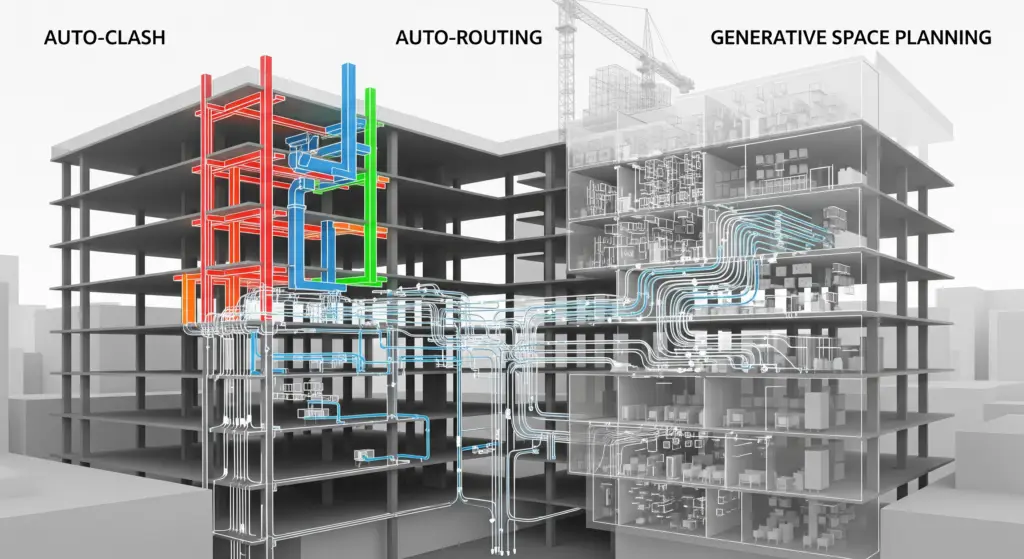
BIM has always promised one thing: fewer surprises in the field. But let’s be honest, traditional BIM workflows still lean heavily on human effort. You run clash tests, you sift through hundreds (or thousands) of issues, you manually reroute systems, and you iterate on layouts until the team runs out of time or patience. That’s […]
BIM 360 / ACC: Issue Tracking, RFIs, and Field Coordination

If your “issue log” still lives in Excel, email chains, and WhatsApp screenshots, you already know the truth: it’s not a system, it’s a liability. On real jobs, design clashes, site queries, and missing details don’t just slow you down, they directly hit margin, timelines, and reputation. That’s exactly where BIM 360 and Autodesk Construction […]
5D Costing: Model-Driven Estimating and BOM-Linked Budgets

5D connects quantities and cost so budgets move with the model. With disciplined modeling and classification, your precon team prices faster, and your operations team tracks change without hunting spreadsheets. Start with structure: classes, codes, and LOD Choose a classification (MasterFormat/Uniclass/OmniClass) and stick to it. Add cost-relevant parameters—spec section, material, finish, and procurement type—so takeoffs […]
4D BIM: Sequencing, Look-Ahead Plans, and Trade Stacking You Can Build

4D BIM links your schedule to your model so the plan is visible, testable, and practical. Done well, it improves safety, delivery, and cash flow. Done poorly, it’s just a pretty video. Build a usable 4D model Organize model elements by work packages, zones, and floors. Map them to activities from P6 or MS Project. […]
Choosing Platforms: ReCap, Cintoo, Navisworks & Revizto for Field Truth

Different tools solve different problems. Use them in the right order and your model mirrors the site; mix them up and coordination bogs down. ReCap: from raw scans to usable clouds Autodesk ReCap ingests raw scans, registers them, and exports cleaned point clouds (RCP/RCS) that Revit, Navisworks, and others can read. It’s your first step […]